Five layers between a camera nobody watches and an answer you can act on.
Every surveillance analytics product on the market starts at the camera. We start at the room. That single inversion is what makes the rest of this affordable for a business with one location and no IT department.
System architecture · what runs where
SentrixScan
One walkthrough. No drilling, no downtime, no rewiring.
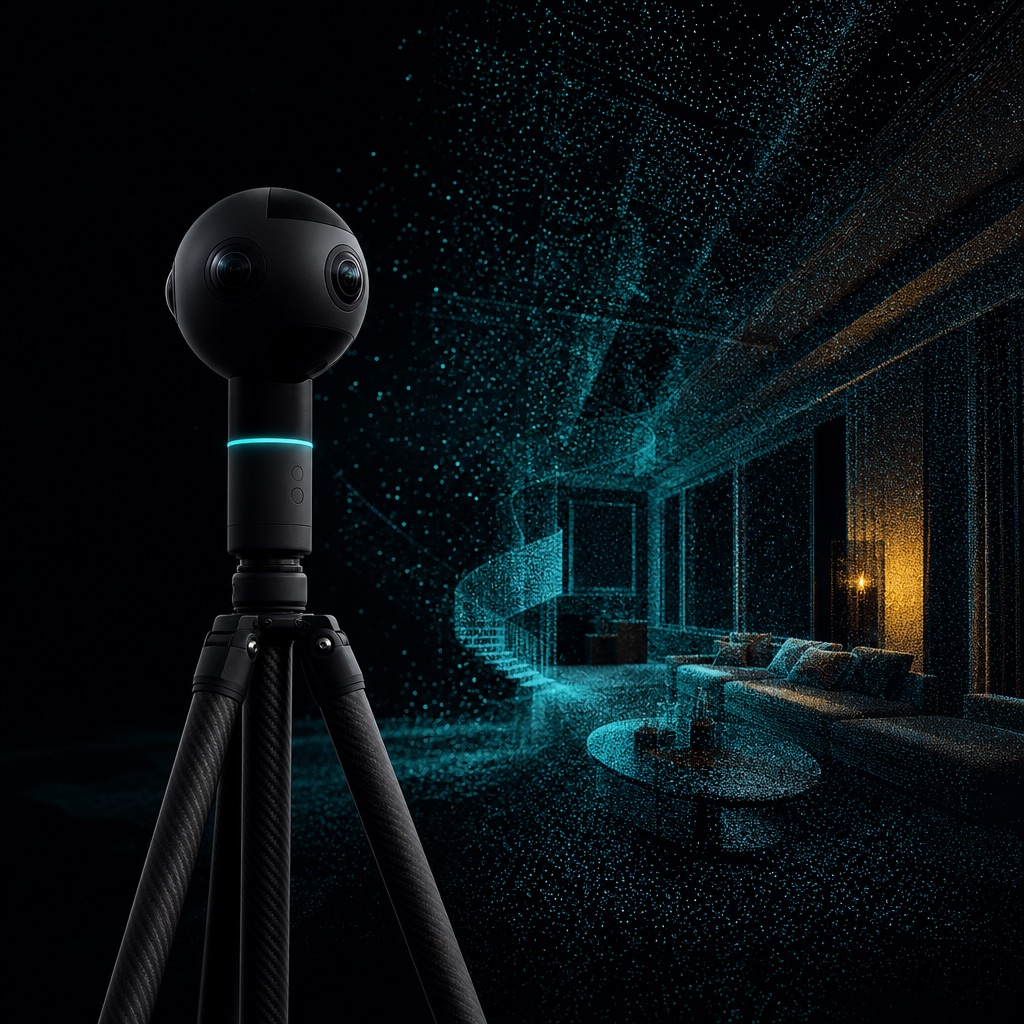
A technician walks your premises once with a 360° rig, following a route that captures every surface from at least three angles. Roughly a minute per sixty square feet. You stay open throughout — customers in shot are irrelevant to the reconstruction and are not retained.
SentrixTwin
A photoreal 3D model of your actual premises — and the only interface you will ever need to learn.
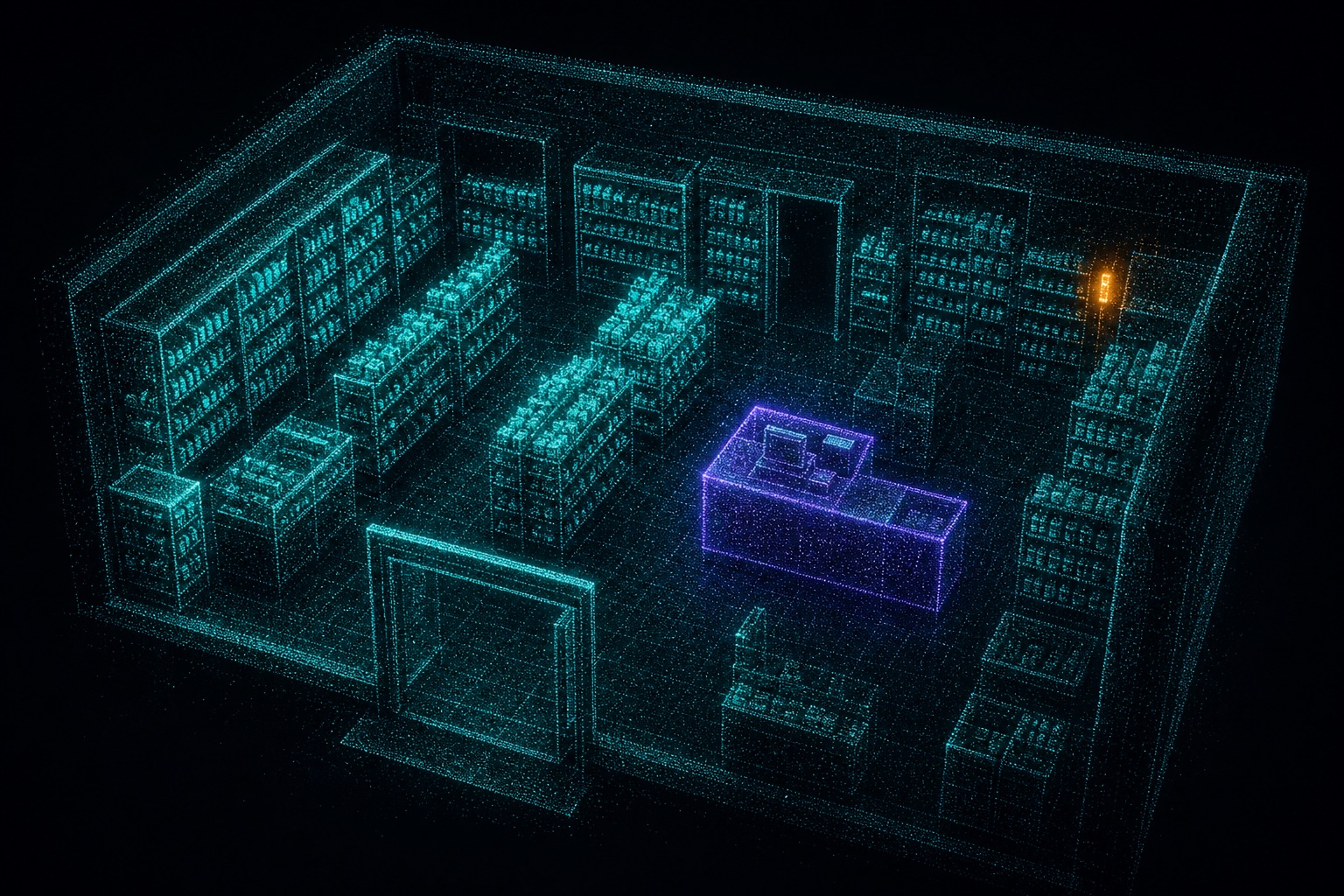
We reconstruct the walkthrough as a Gaussian splat: millions of small, soft, coloured volumes rather than flat polygons. The practical difference is fidelity. Reflections, clutter, signage and shelf contents all survive, so the model looks like your shop rather than like a floor plan of your shop.
Every camera you own is then solved into that model — position, orientation and field of view. The system knows which camera can see which physical place, which is what lets you stop thinking about cameras entirely.
- Runs in any modern browser. Nothing to install.
- Camera coverage is shown as a shaded volume, so blind spots become obvious.
- Regions are 3D volumes, not 2D boxes — a shelf and the floor in front of it are different places.
- Move or replace a camera and every watch keeps working. The place did not change.
SentrixPrompt
Draw a box. Write a sentence. That is the entire configuration language.
A Watch is a region plus a question. You draw the region on the twin and type the question the way you would explain it to a new employee. The prompt is compiled into a detection graph — what to look for, where, when, and what threshold matters — and pushed to the edge appliance.
Ambiguity is resolved by asking you, not by guessing. If you say “busy”, it will come back with “busy meaning more than how many people, for how long?” and remember your answer.
SentrixVision
The models run on your premises. Only the answers leave.
Detection, tracking, pose, dwell accumulation and threshold evaluation all happen on the SentrixEdge appliance sitting beside your recorder. It draws about as much power as a router and needs nothing from your IT setup beyond a network port.
What crosses the internet is a structured event: a count, a duration, a breach, a bracket estimate. Not a frame. That single architectural choice is what makes the privacy position on this site credible rather than aspirational.
SentrixAlert
Backtested before it is armed, so it never becomes noise you learn to ignore.
Write the rule in English. Before it goes live we replay it against your own last thirty days of footage and tell you precisely how many times it would have fired, and when. If the answer is forty times a day, you find out before your phone does.
Alerts arrive on WhatsApp, SMS, email or a webhook, each carrying a still frame and an optional twenty-second clip so you can judge it in two seconds without opening anything.
Backtest preview
rule: queue > 5 people for > 3 min @ billing_counter

Watches, written the way people write them
Every line below is a real, working prompt — not a template with blanks. Filter by what you are trying to find out. Click any prompt to copy it.
Something not on this list? Describe it to us — if it is visible on camera and you can say it in a sentence, it is usually a watch.
Against the two things you are probably already considering
| Your current NVR | Boxed video analytics | SentrixShield | |
|---|---|---|---|
| How you address a place | Camera number | 2D zone drawn on one camera's frame | A 3D region in a twin of your building |
| Adding a new question | Not possible | Vendor request, weeks | A box and a sentence, ~30 seconds |
| Question vocabulary | None | Fixed feature list | Open-ended, plain English |
| If a camera moves | n/a | Zones must be redrawn | Watches keep working |
| Where video is processed | Local | Usually cloud | Local, on the edge appliance |
| Alert tuning | Motion only | Trial and error, live | Backtested against your 30 days first |
| Facial recognition | Sometimes offered | Often central to it | Not offered, by design |
| Realistic entry cost | Sunk | Enterprise contract | One site, one month, no lock-in |
Send the signal wherever you already work
Watches emit structured events. Where they land is up to you.
- WhatsApp, SMS and email for the people who will never open a dashboard.
- Webhooks into anything — a POS, a roster tool, a Google Sheet, your own script.
- REST API for pulling raw event series into your own reporting.
- Weekly digest — one email on Monday with what changed and what to look at.
- CSV export, because sometimes that is genuinely the right answer.
See it against your own floor plan.
Book a scan and we will build the twin. Thirty-day pilot, one site, no lock-in.